Annotations
Description
In a process model, you can document or describe each item by adding text annotations.
An annotation is a graphical element used to include comments or explanatory notes within a process model. It helps describe the structure, logic, or intent behind model components without affecting the actual process flow.
Purpose of Object
Annotations are used to document and clarify the behavior of a process model. They provide additional context or explanations that improve model readability and understanding for other users.
Create an Annotation
- Create a process model.
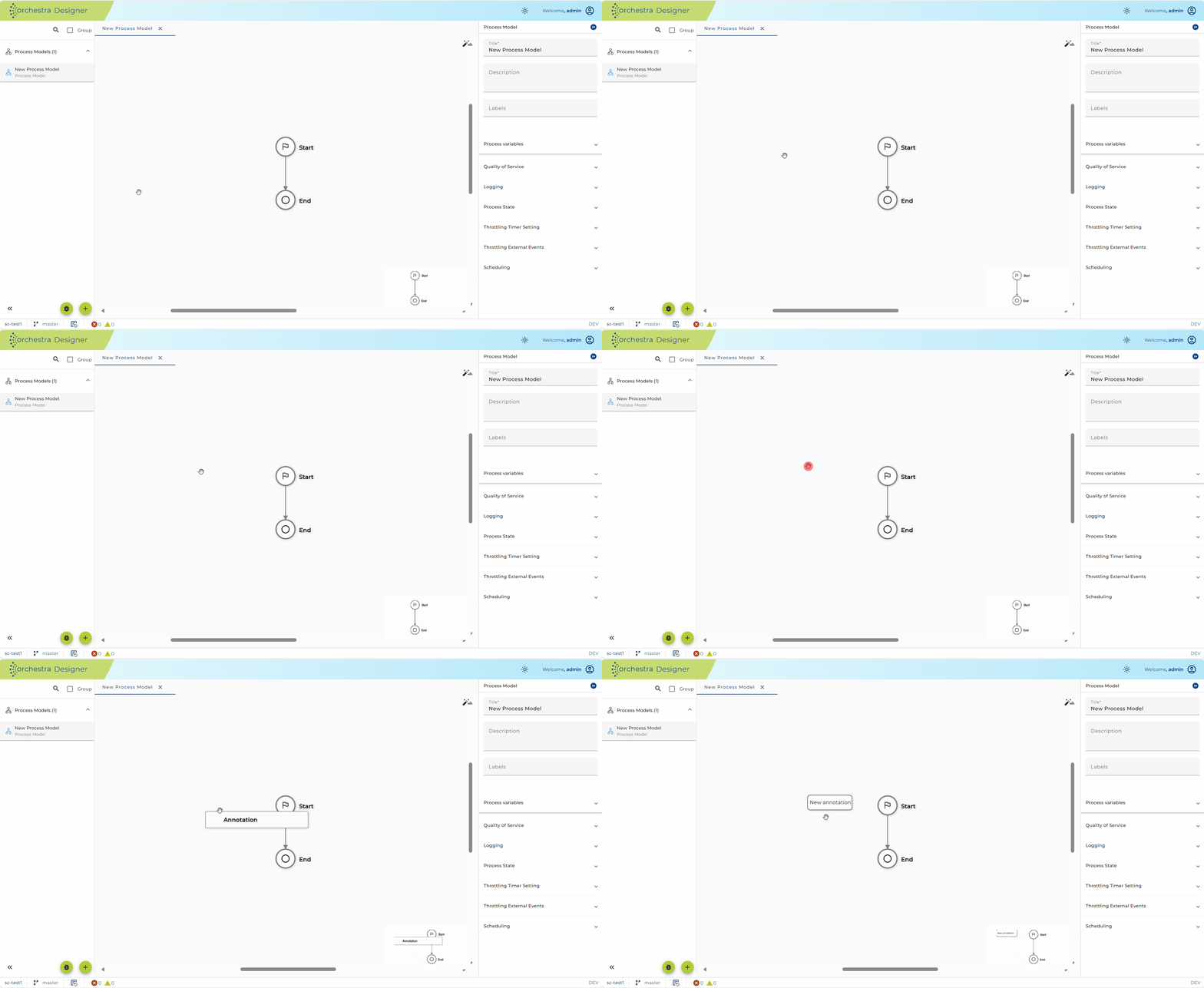
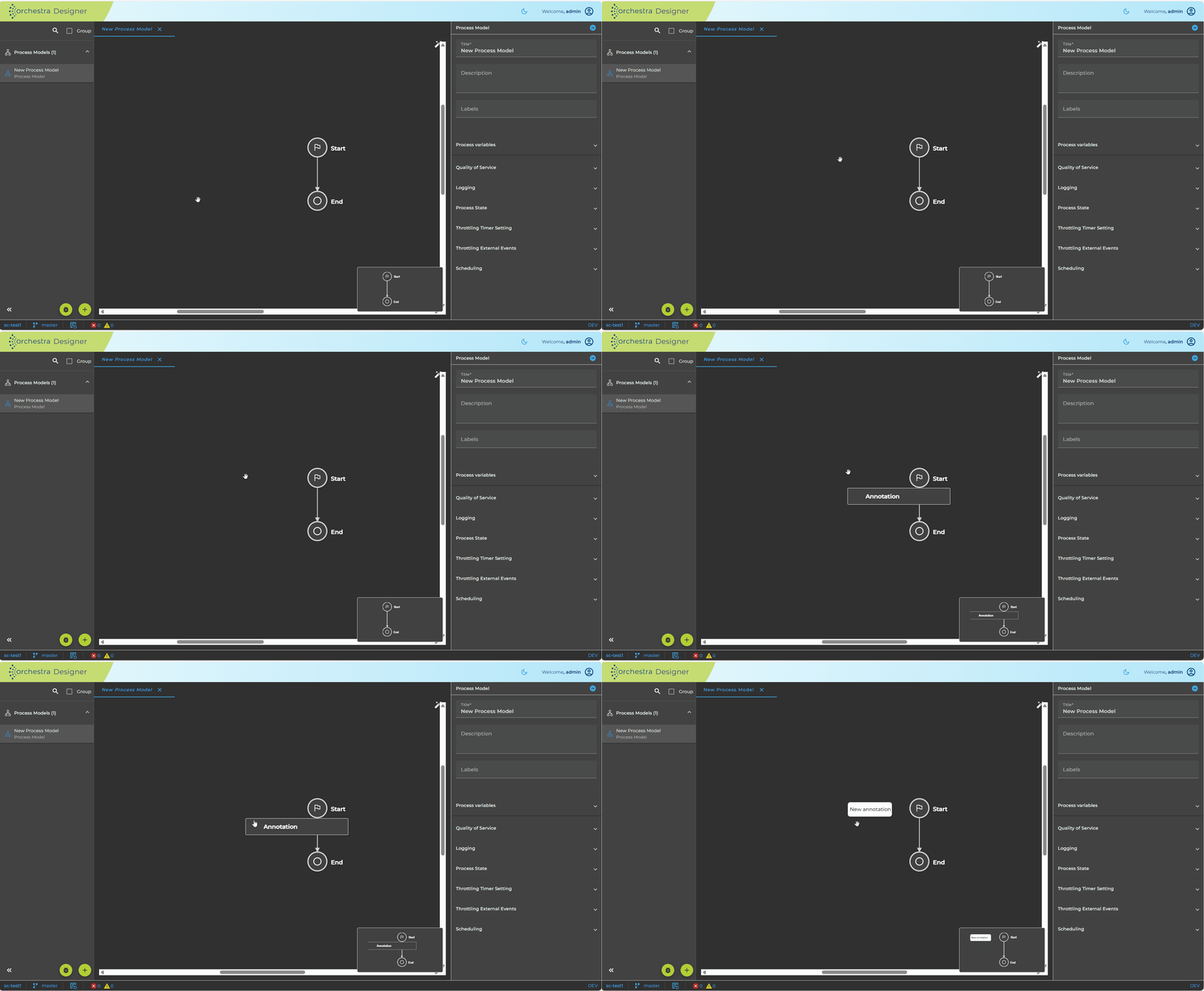
- Right-click within the process model workspace.
- From the context menu, select Annotation.
Edit an Annotation
- Click the annotation you want to modify.
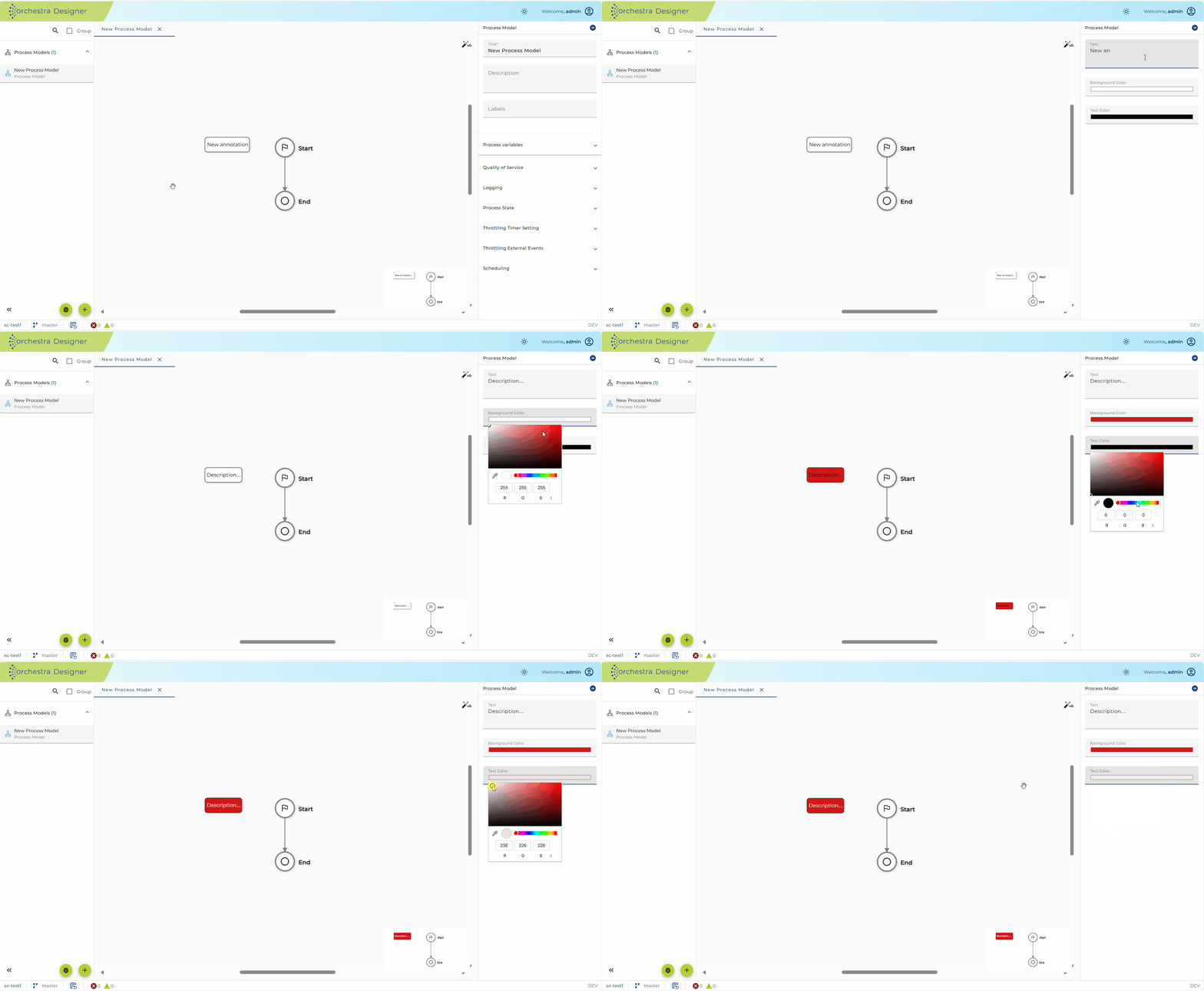
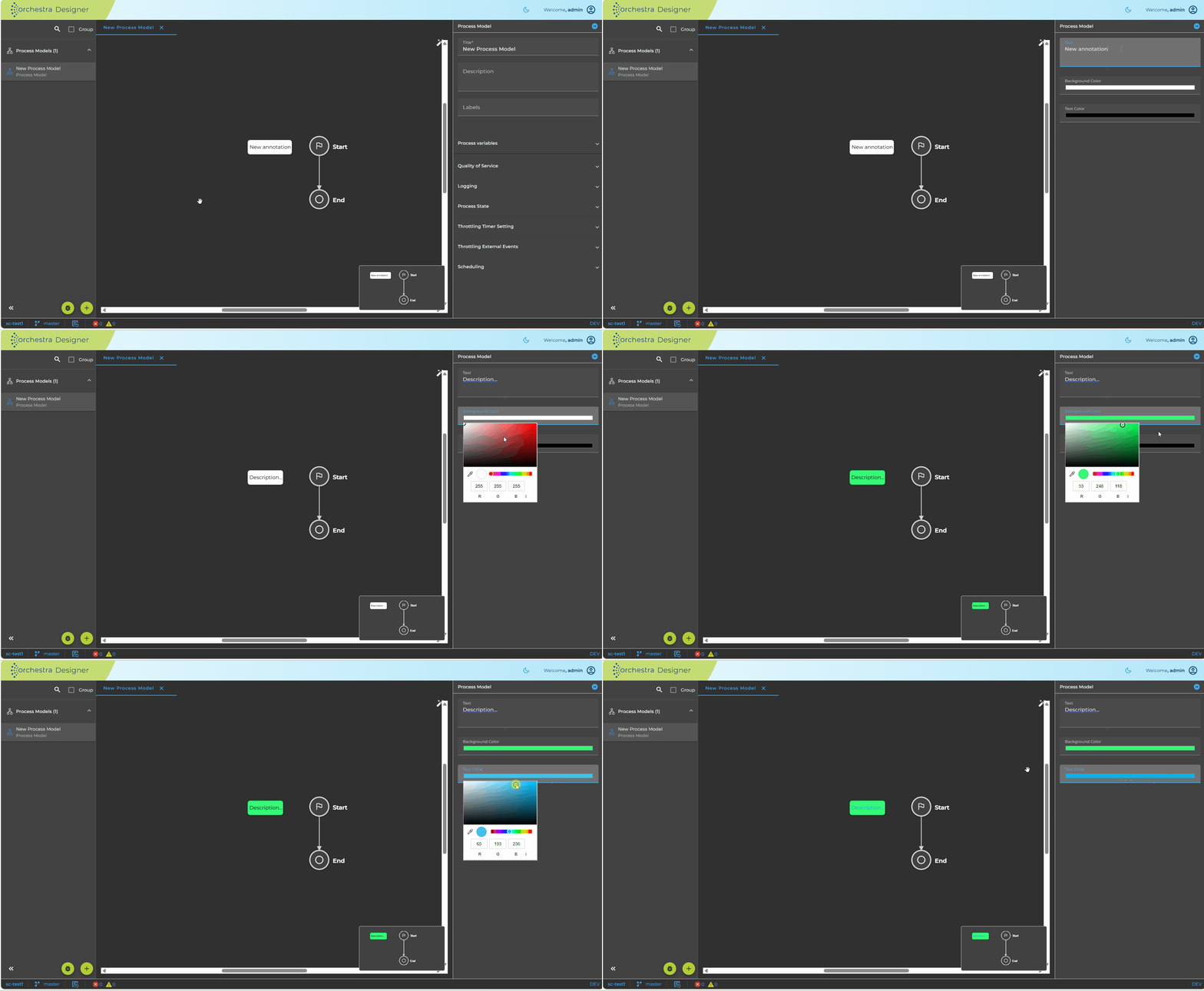
- Update the text content or configure its visual properties (text color, background color).
Configuration
The configuration dialog for Annotation includes:
- Text – The annotation content.
- Background color – Defines the background color of the annotation.
- Text color – Defines the color of the annotation text.
Move an Annotation
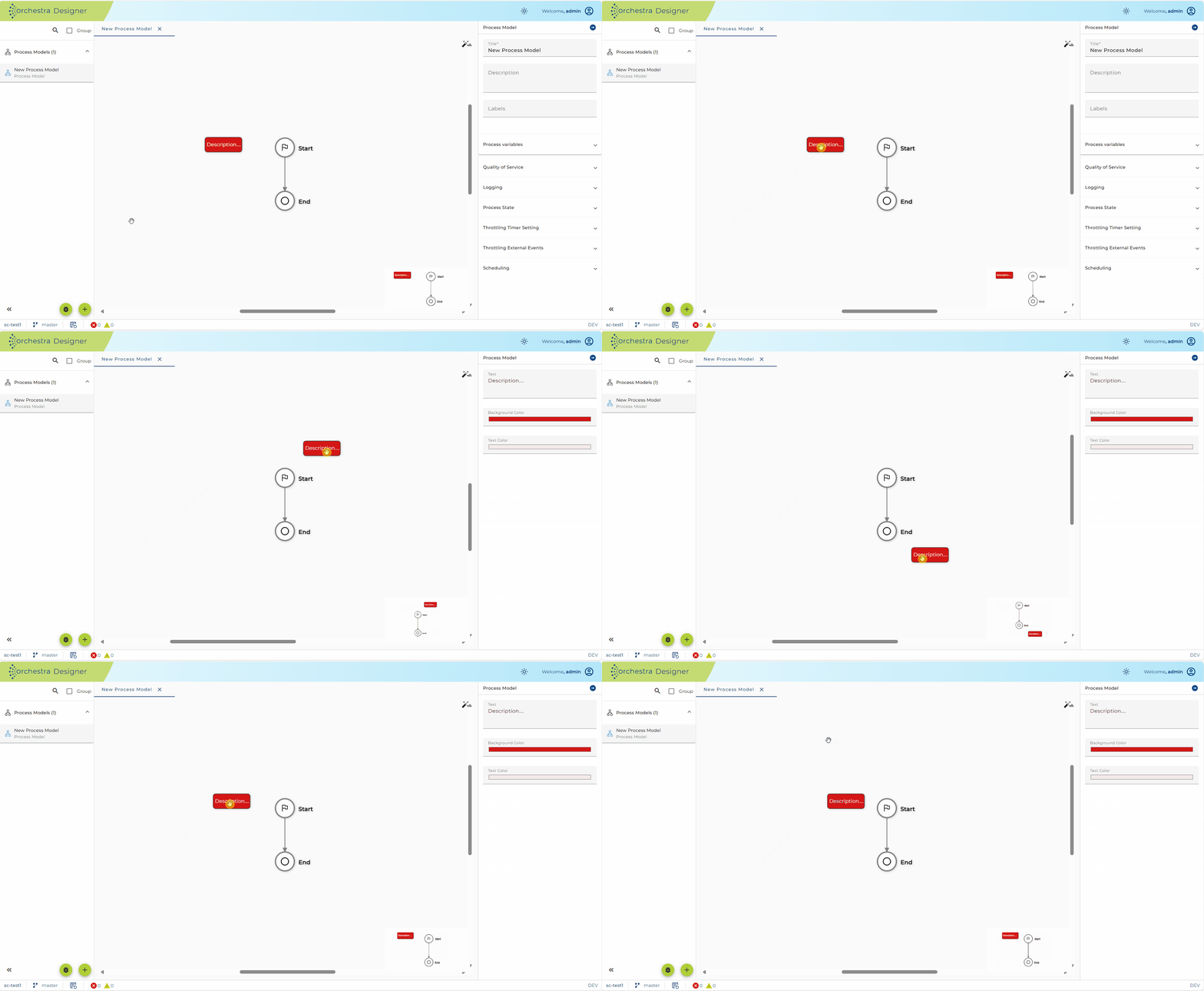
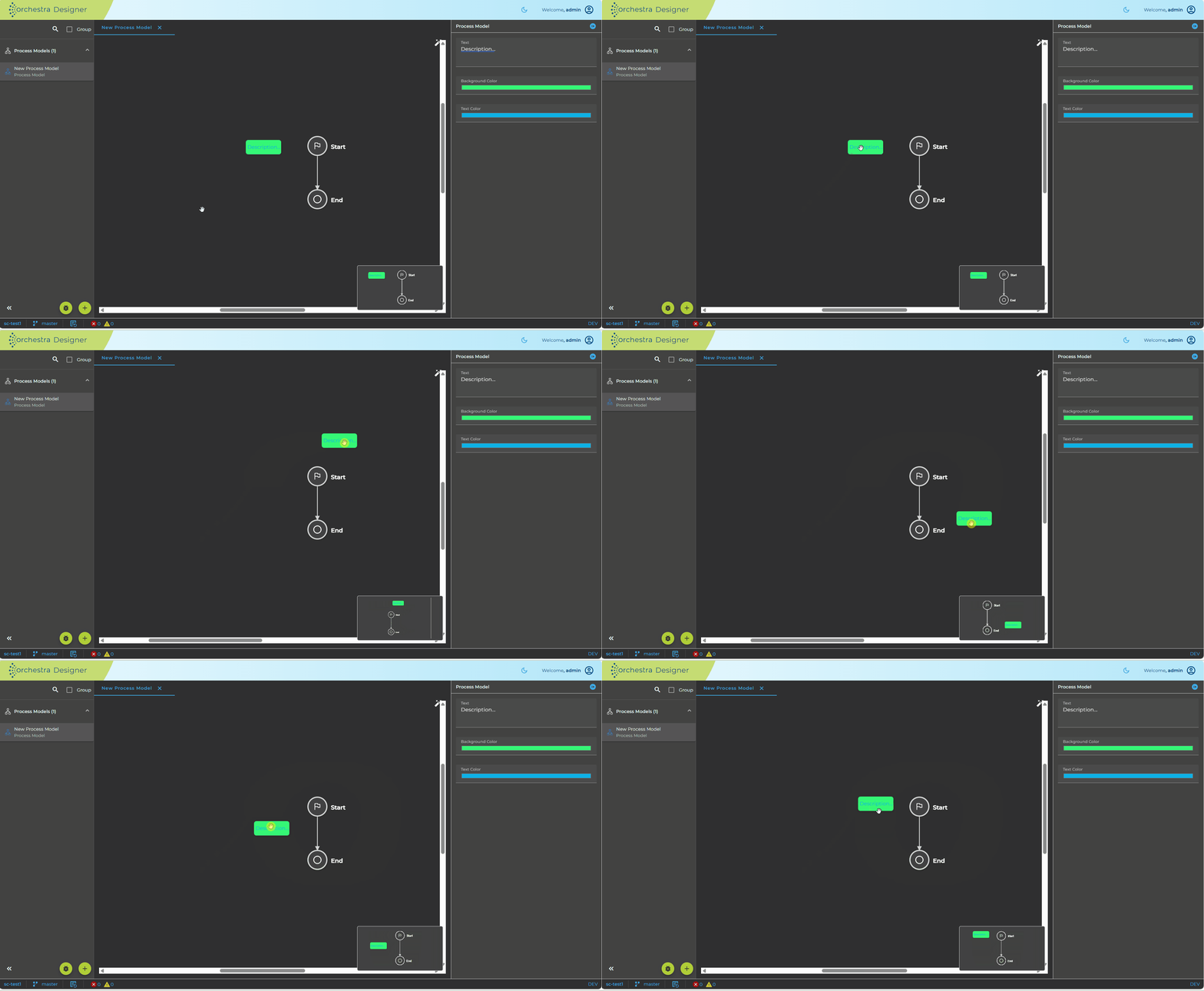
- Select the annotation.
- Drag and drop it to a new position within the model area.
Remove an Annotation
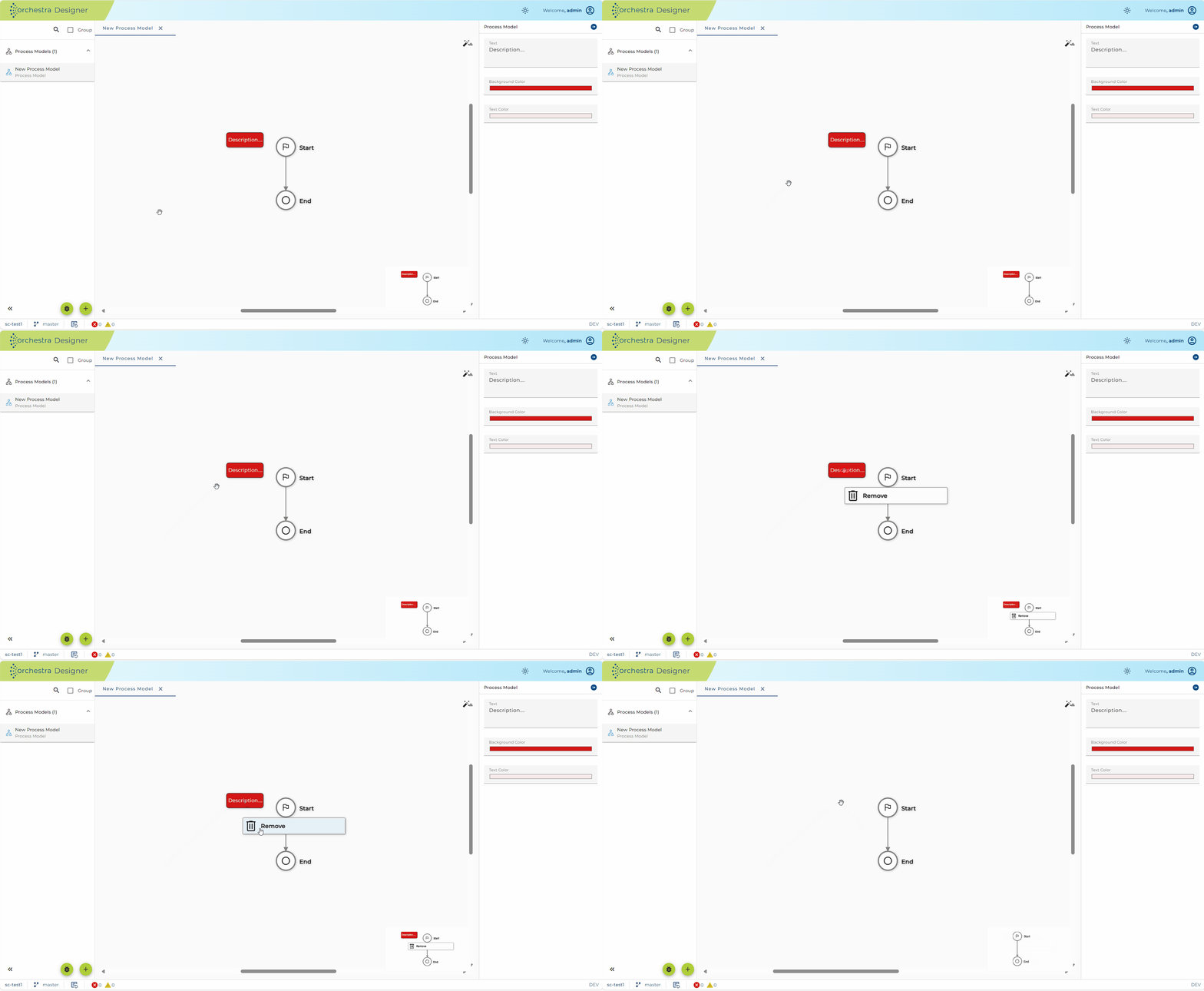
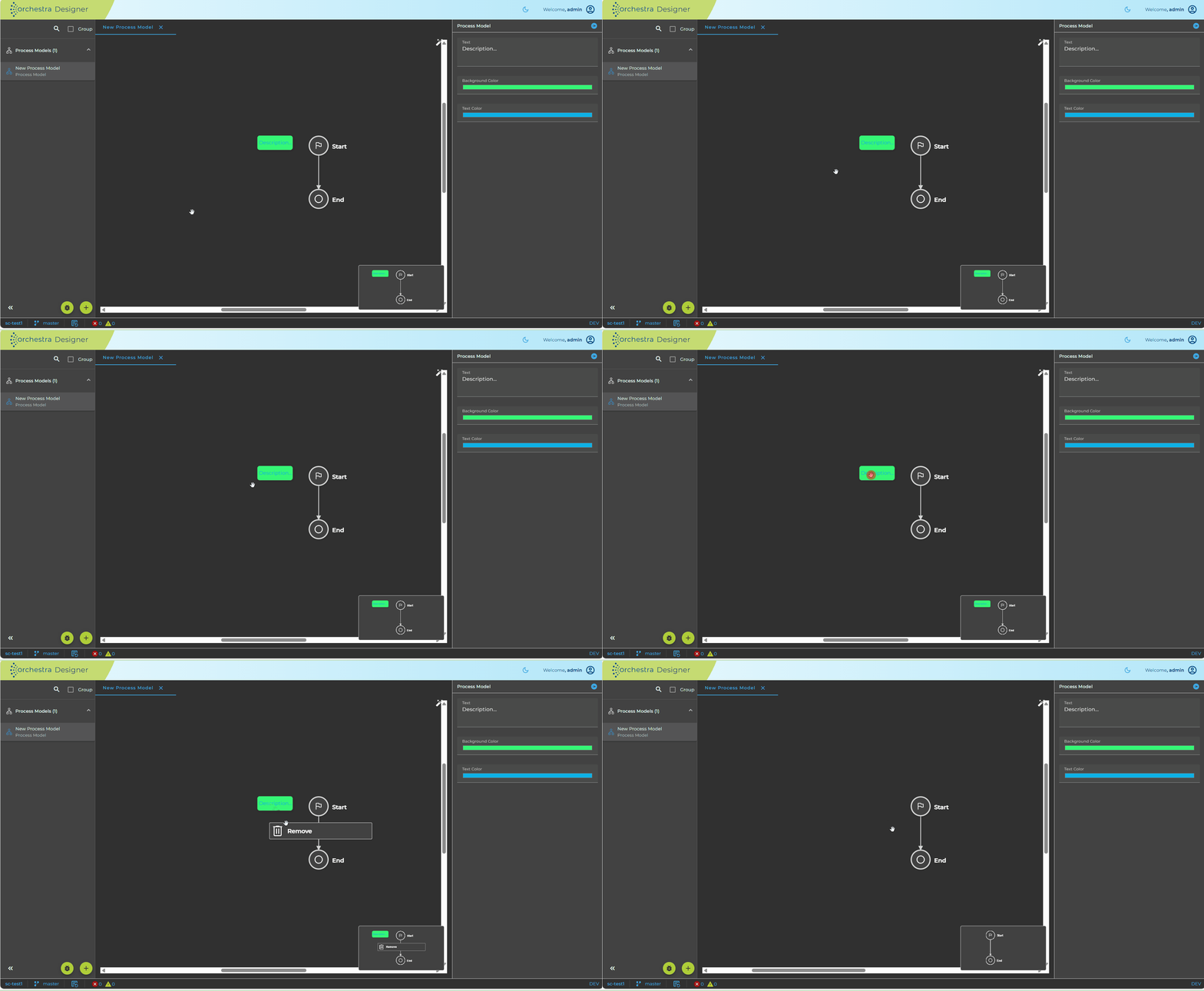
- Right-click the annotation.
- Select Delete.